












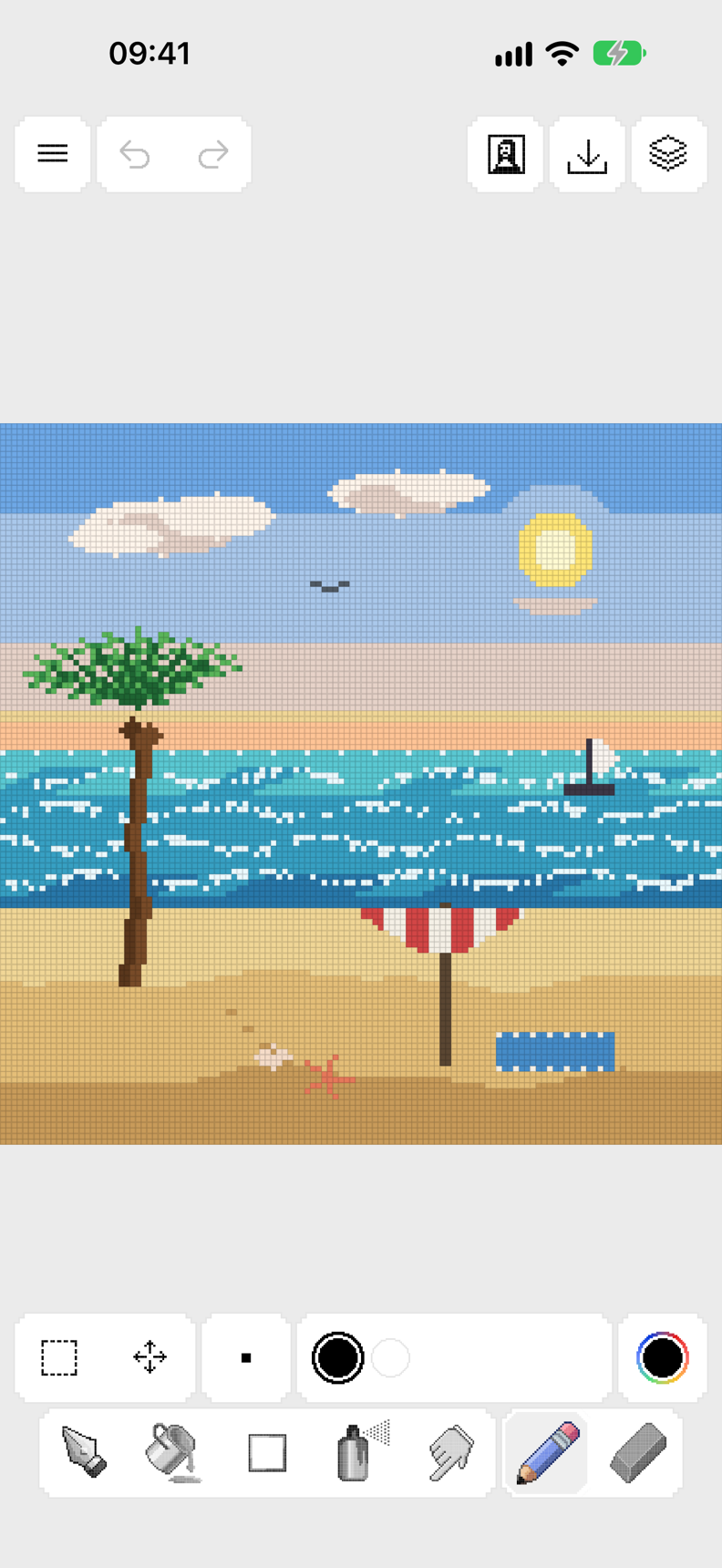
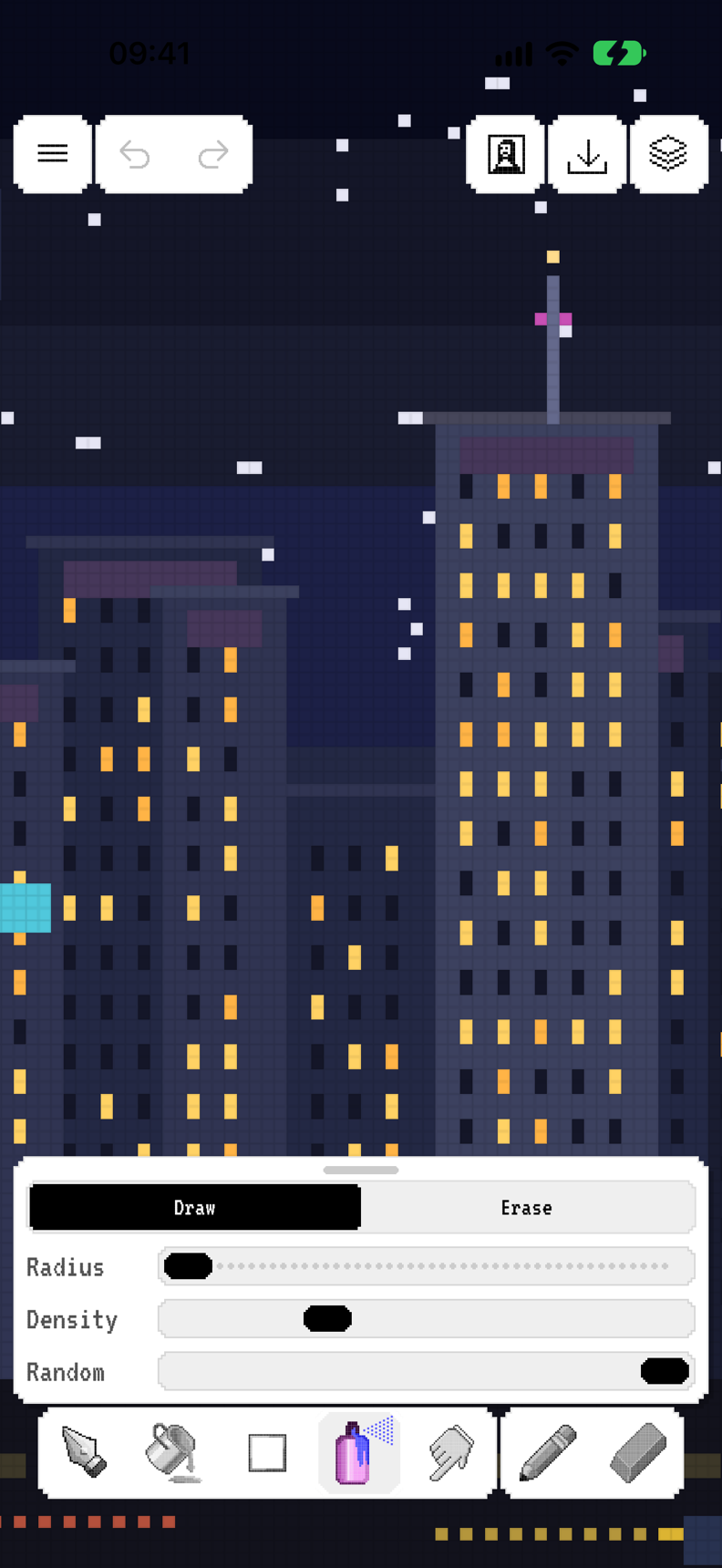
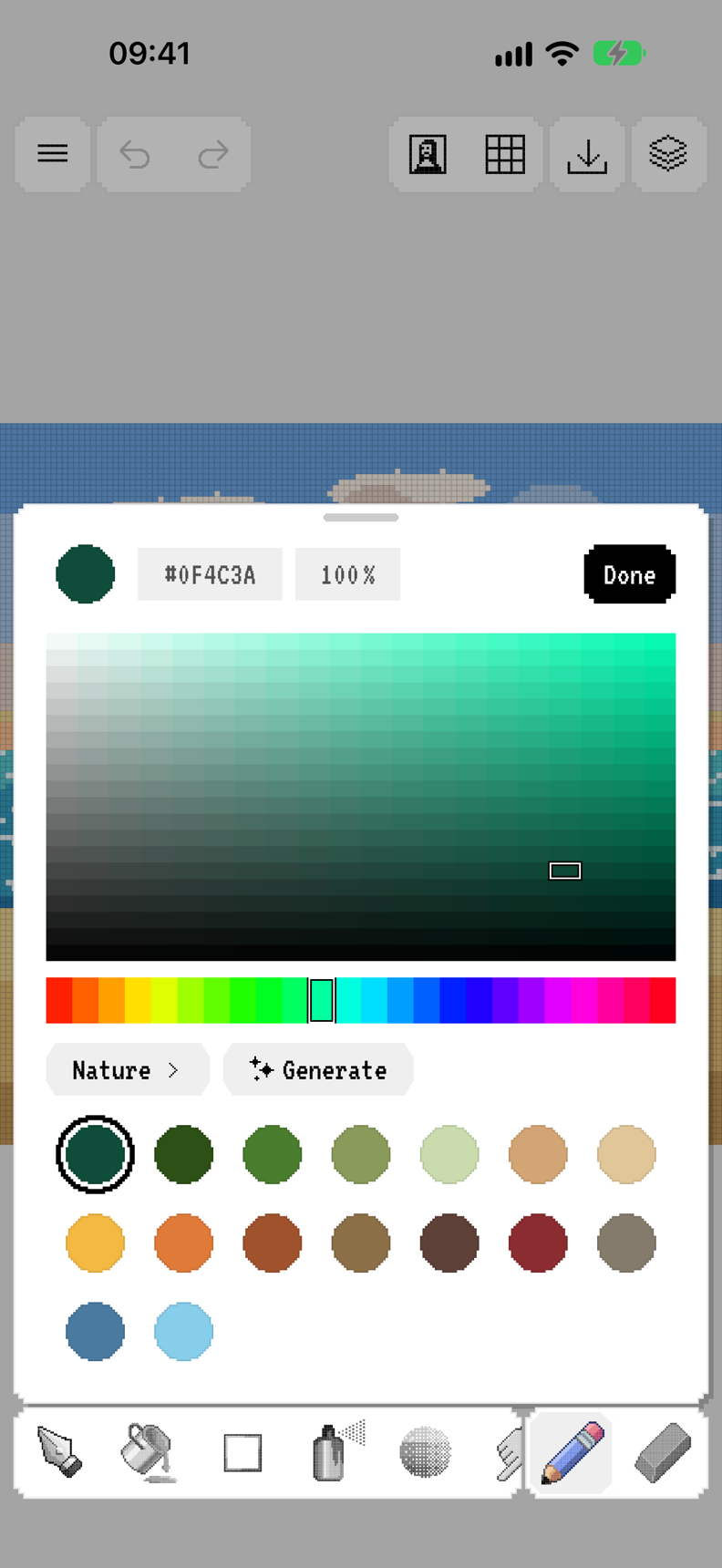


Paint, erase, fill, shapes, and selection tools tuned for touch.
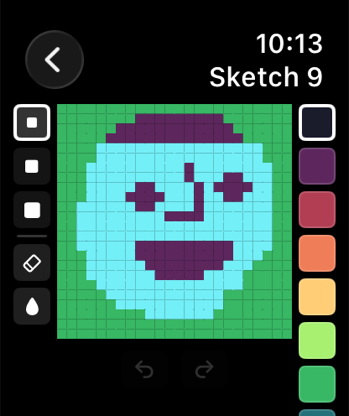
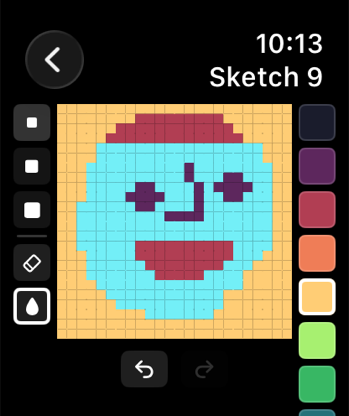
Pixelator is a local-first pixel art editor for iPhone, iPad, and Apple Watch.
Built for crisp 1× work
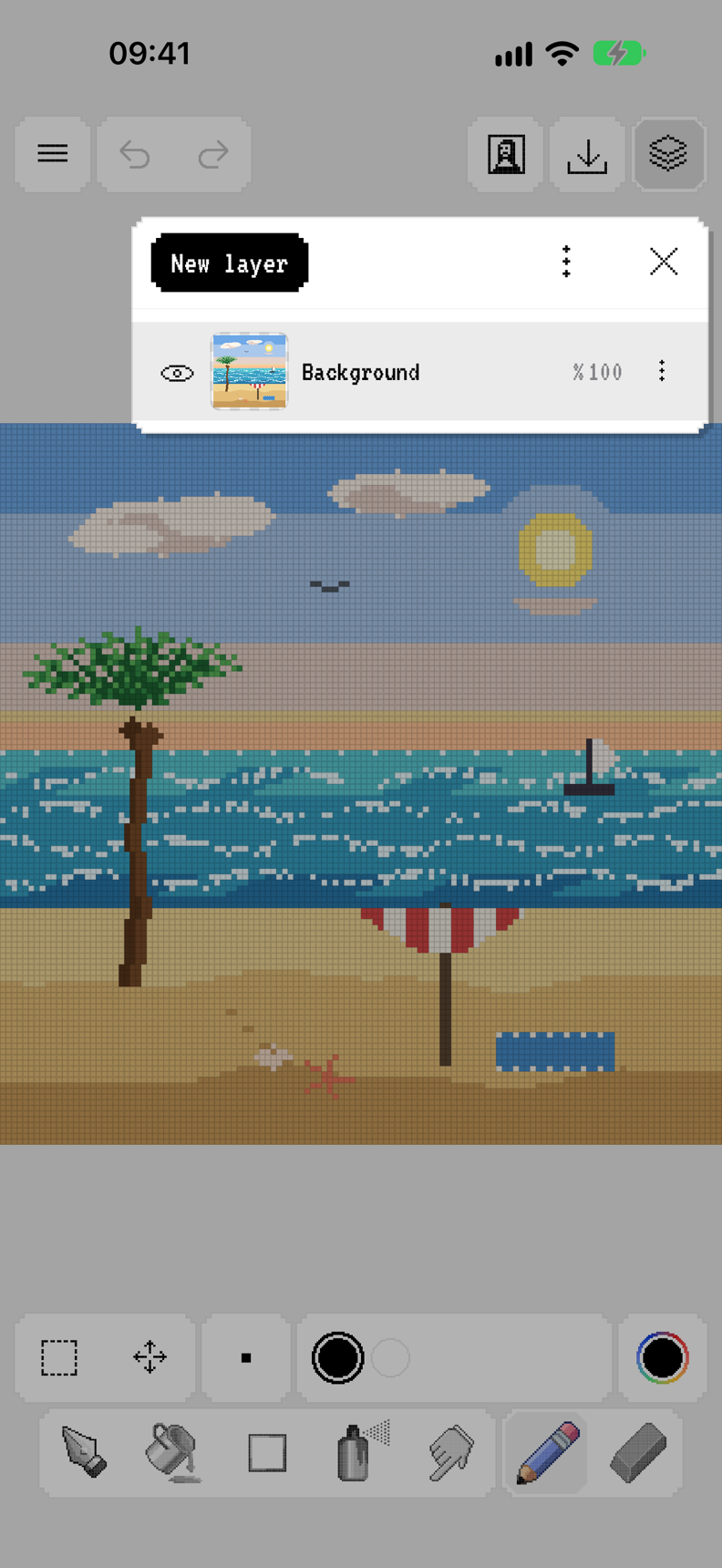
Layers with opacity and reorder — stack sprites without flattening.
Private by default. No account. Drawings stay on your device.
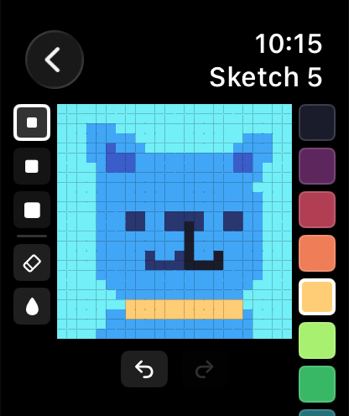
Also on Apple Watch
Pixel power features
-
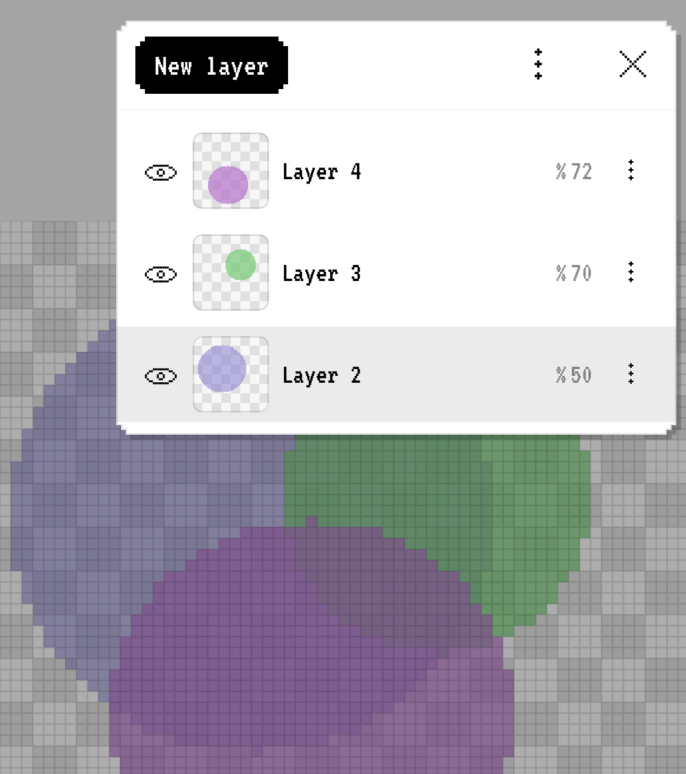
Layers with opacity and reorder — stack sprites without flattening.
-
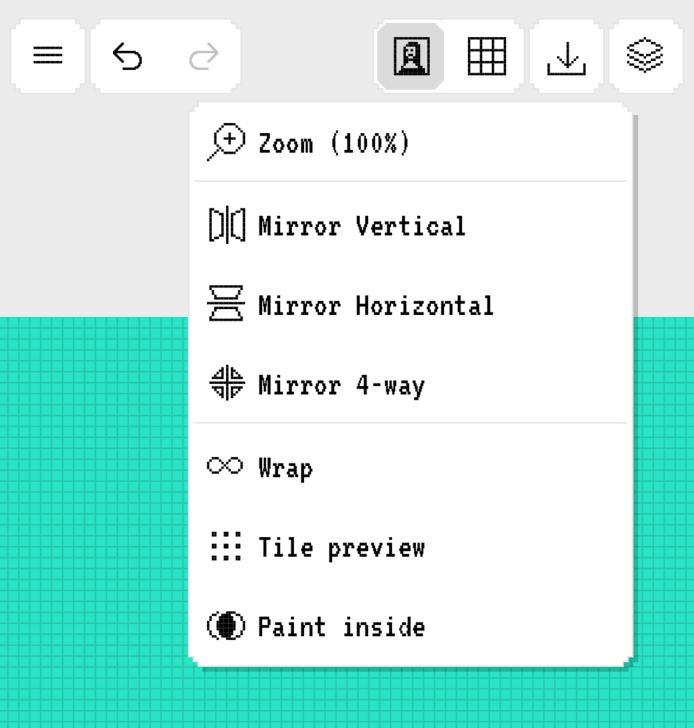
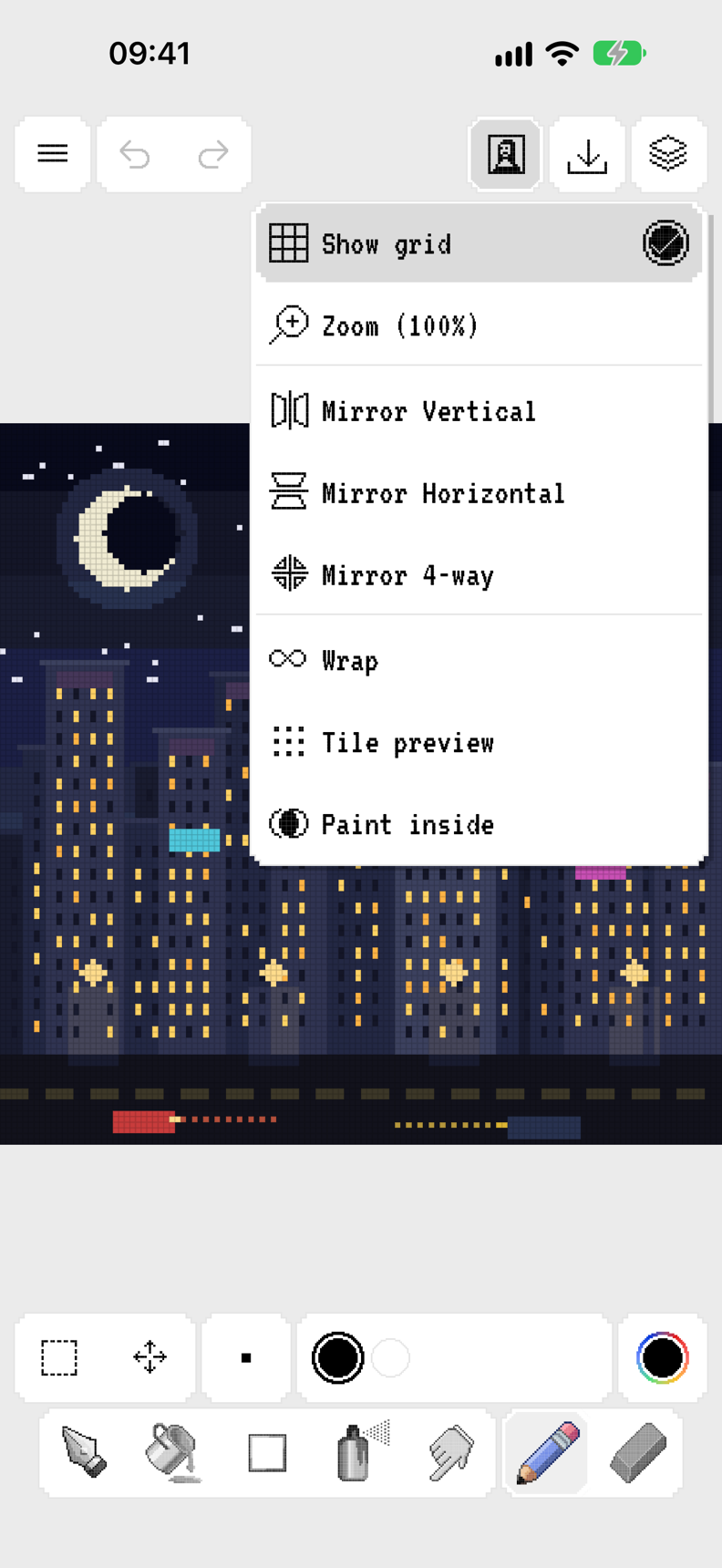
Symmetry, wrap, and tiling so patterns stay sharp at every zoom.
-
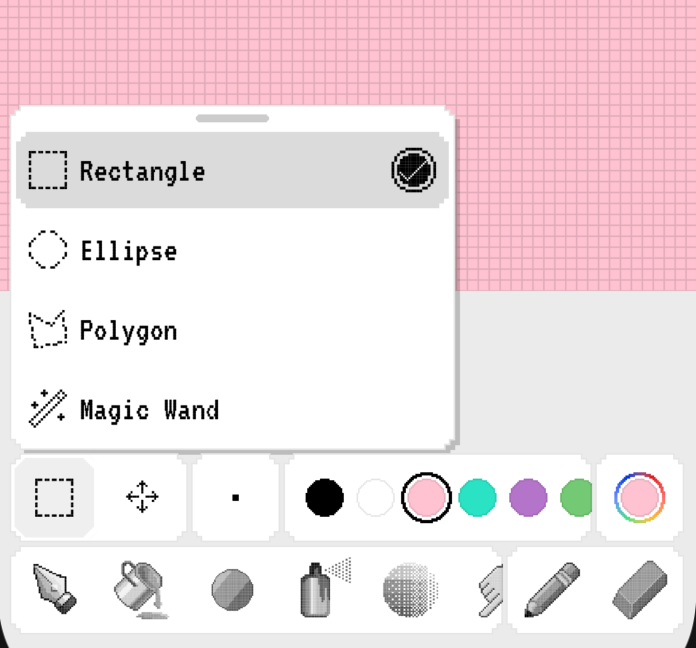
Selection tools to move, copy, and transform pixels with precision.
-
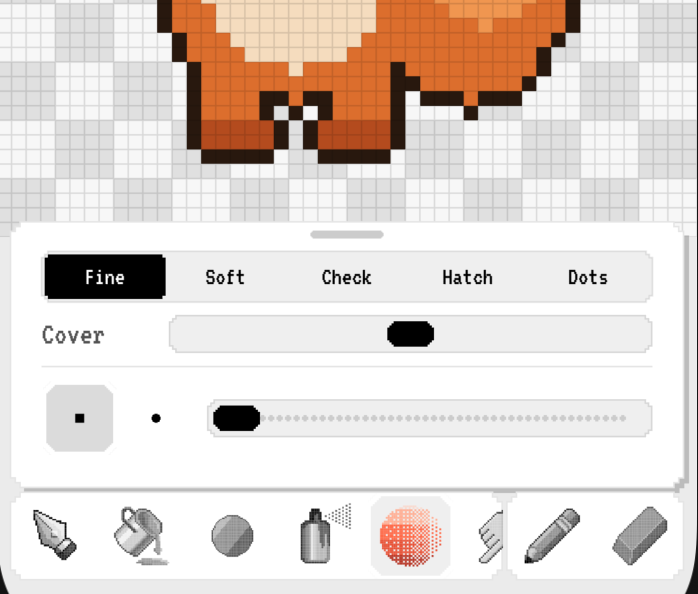
Dither, scatter, and smudge brushes for textured pixel work.
-
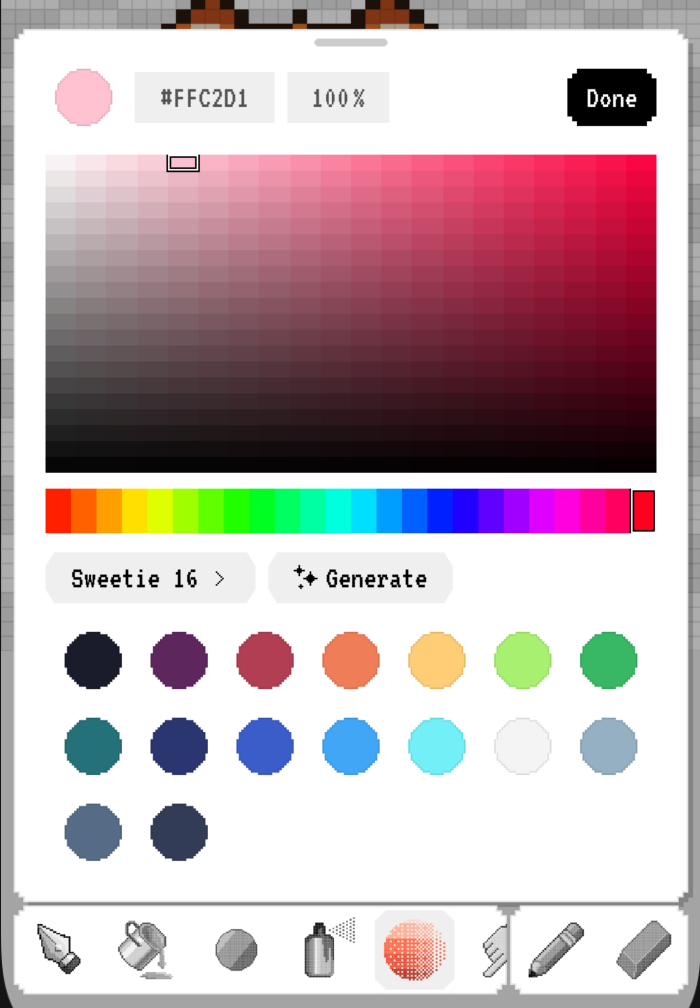
Palettes, recent colours, and a full colour picker that stays out of the way.
Everything included
Drawing tools
 Brush
 Eraser
 Pen
 Solid fill
- Flood fill
 Gradient fill
 Scatter
 Smudge
 Dither
 Line
 Rectangle
 Circle
 Triangle
 Star
 Arrow
 Filled shapes
 Round brush
 Square brush
 Brush sizes
 Eyedropper
 Undo
 Redo
Selection & transform
 Rect marquee
 Ellipse marquee
 Polygon select
 Magic wand
 Select all
 Move
 Rotate
 Flip horizontal
 Flip vertical
 Duplicate selection
 Outline selection
 Clear selection
 Cut
 Copy
 Paste
Layers
 Multi-layer stack
 New layer
 Visibility
 Lock layer
- Duplicate layer
 Merge down
- Merge all
 Split by colour
- Outline content
- Rotate layer
- Clear layer
 Delete layer
 Rename layer
 Import to layer
 Export layer
Canvas & view
 Canvas sizes
 Zoom
 Fit to screen
 Pixel grid
 Center guides
 Rule of thirds
 Vertical symmetry
 Horizontal symmetry
 4-way symmetry
 Wrap mode
 Tile preview
 Paint inside
- Proportion lock
Colour & library
 Built-in palettes
- Custom palettes
 Palette favorites
 Recent colours
 Suggest palette
- Gradient editor
 Drawings library
- New drawing
- Duplicate drawing
- Rename drawing
- AI rename
- Delete drawing
- Starter art
- Grid & list views
Export, Watch & more
 Export PNG
 Export SVG
 Export JSON
 Import JSON
- Import photo
- Image Playground
 Apple Watch editor
- Home Screen widget
 iCloud backup
 Dark mode
 Pixel fonts
 Haptics
 Settings
- Local-first
 No ads or tracking
 No account required
Draw everywhere you are
No account. No cloud. No ads. Just a pixel editor that lives on your iPhone, iPad, and Apple Watch.